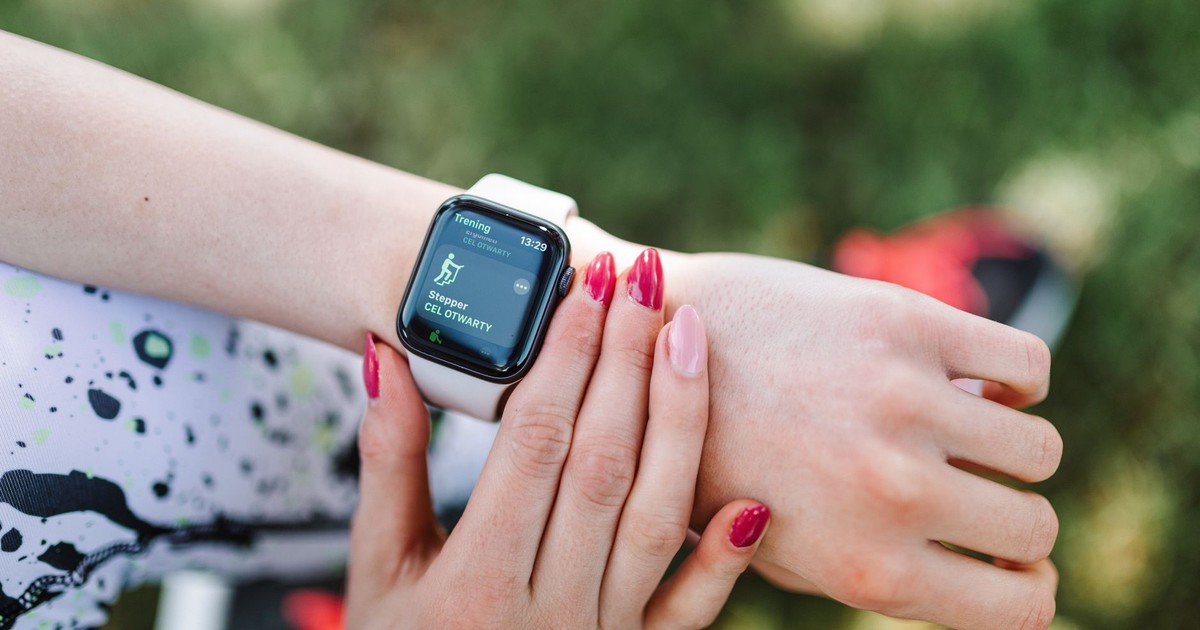

Most people wear an Apple Watch for two things: checking the time and tracking their steps. Yet the FDA has cleared it to screen for a heart arrhythmia that affects more than 33 million people worldwide and causes roughly 1 in 5 strokes. That’s an unusual amount of clinical responsibility for something you strap on to count calories.
The gap between what most wearers use their Apple Watch for and what it can actually do is surprisingly wide. Some of these Apple Watch hidden features exist quietly in menus most people have never opened. Others require specific model generations. A few have clinical validation that rivals that of dedicated medical devices. And at least one is surrounded by so much online confusion that the record needs straightening out.
These aren’t tricks for power users or tech enthusiasts. Many have direct bearing on cardiovascular health, sleep quality, reproductive tracking, and emergency safety.
1. Detecting Atrial Fibrillation With Near-Clinical Accuracy
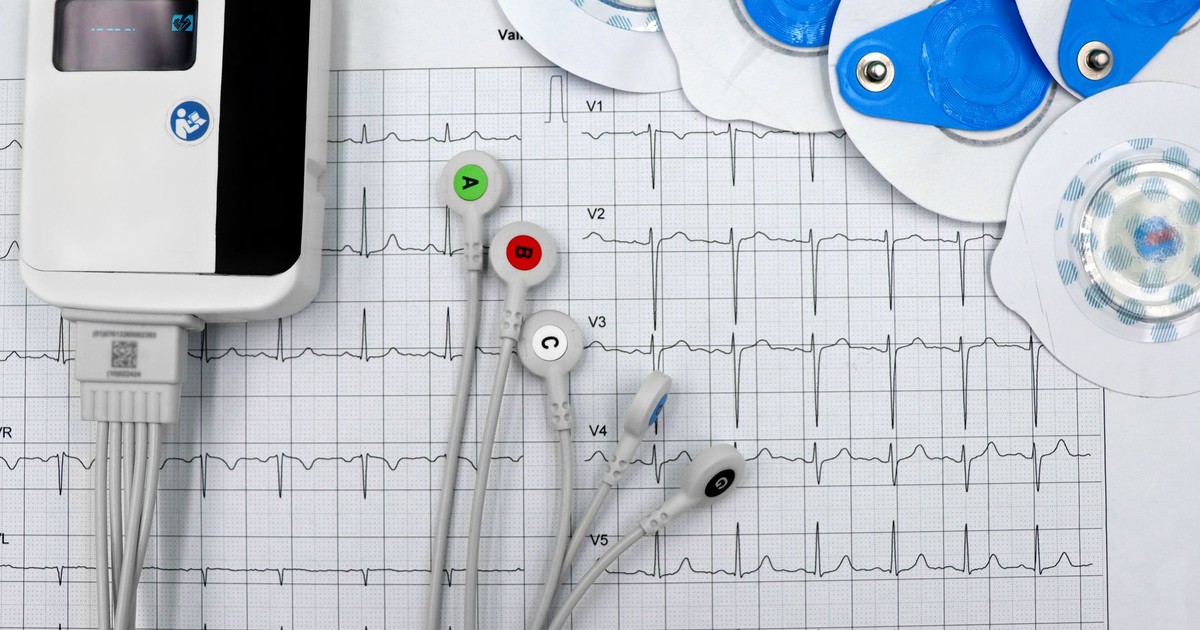
Atrial fibrillation, or AFib, is an irregular heart rhythm in which the upper chambers of the heart beat chaotically instead of in coordinated pulses. It often causes no obvious symptoms and can go undetected for years while silently raising stroke risk. The Apple Watch ECG sensor generates a single-lead electrocardiogram by completing an electrical circuit when you place your finger on the Digital Crown, and it takes about 30 seconds to produce a reading.
A meta-analysis of 11 studies covering 4,241 participants, published in JACC: Advances in January 2025, found that the Apple Watch ECG carries high accuracy in detecting atrial fibrillation, with pooled sensitivity of 94.8% and specificity of 95%. Those figures put it within striking distance of clinical tools used in cardiology offices.
In September 2024, the FDA issued 510(k) clearance for the Apple Watch’s sleep apnea notification feature – and the ECG function had already been cleared years before. A 2026 trial published in JACC on 437 high-risk stroke patients found that researchers diagnosed and treated new AFib cases among people wearing smartwatches, with many of those patients symptom-free at the time of detection. To actually run the ECG on your watch, open the ECG app, rest your arm on a flat surface, place a finger on the Digital Crown, and wait 30 seconds for the result to appear in the Health app.
2. Screening for Sleep Apnea Over 30 Nights
Sleep apnea is one of the most underdiagnosed conditions in adults. It affects over 25 million American adults, with up to 80% of cases remaining undiagnosed. The traditional path to diagnosis involves an overnight sleep study in a clinic, which many people avoid.
When you wear your Apple Watch to bed, it uses the accelerometer to detect breathing disturbances while you sleep, which are categorized as “Elevated” or “Not Elevated.” Over a 30-day evaluation period, if you consistently experience elevated breathing disturbances, you receive a notification letting you know it has identified signs of sleep apnea. The feature works by detecting subtle wrist movements associated with the chest and throat muscle disruptions that characterize apnea episodes – not by measuring airflow directly, which is why it functions as a screening tool rather than a diagnostic one.
The FDA’s 510(k) submission for the feature reported a sensitivity of 66.3% and a specificity of 98.5% in identifying moderate-to-severe sleep apnea among 1,448 participants. The watch is highly unlikely to flag someone without the condition, but it may miss milder cases. If you receive a notification, you can share a detailed report with your healthcare provider. The feature is available on Apple Watch Series 9 and later, the Ultra 2 and Ultra 3, and the SE 3. To activate it, open the Health app, tap Search, select Respiratory, and tap “Set Up” under Sleep Apnea Notifications.
3. Assigning Your Sleep a Scored Grade
The Series 11 takes sleep tracking further with a Sleep Score, a single number that summarizes sleep quality based on multiple data streams collected overnight. The algorithm analyzes heart rate, wrist temperature, and blood oxygen to provide a comprehensive view of sleep quality – considering sleep duration, bedtime consistency, nighttime awakenings, and time spent in each sleep stage.
What gives this more weight than typical sleep-tracking estimates is the scale of its validation. The scoring algorithm was developed and tested using data from more than five million nights of sleep collected through the Apple Heart and Movement Study, a large-scale longitudinal research project run in partnership with Brigham and Women’s Hospital. That dataset is large enough to capture genuine variation in human sleep patterns across ages, lifestyles, and health conditions.
The Sleep Score also highlights key components so users can see what to prioritize. If your score drops after a night of disrupted rest, the app will identify whether the culprit was fewer hours, less deep sleep, or inconsistent timing. The Sleep Score is displayed in the Health app each morning.
4. Tracking Heart Rate With Exceptional Precision
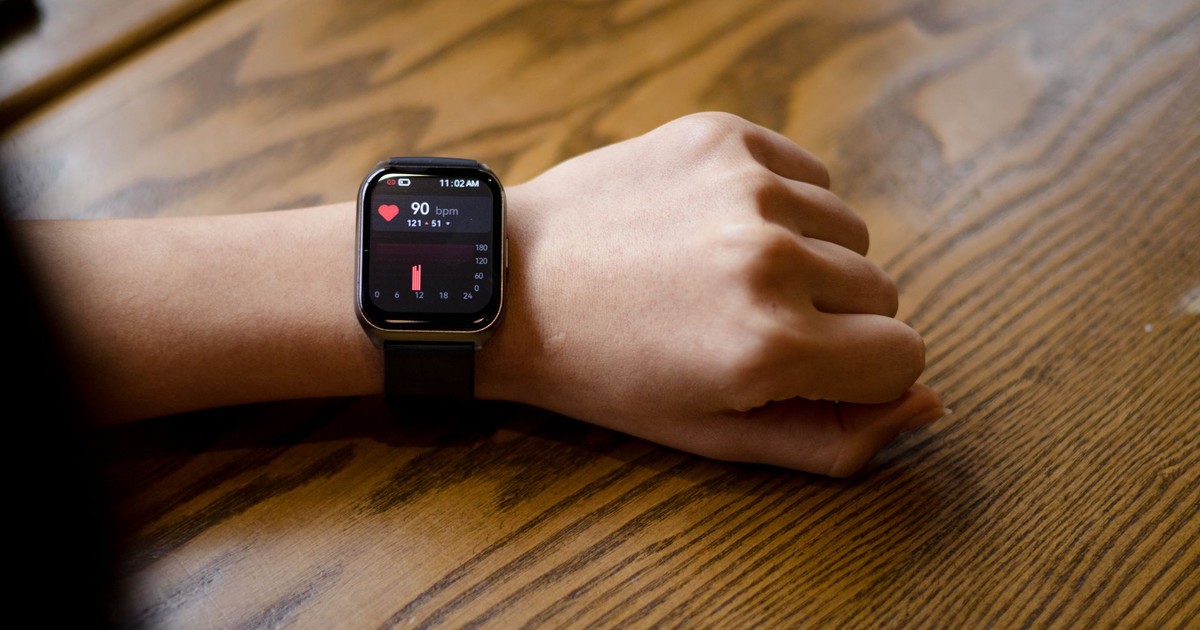
Every Apple Watch continuously tracks heart rate using photoplethysmography – a sensor on the back of the watch that shines green light into the skin and measures how blood flow changes with each heartbeat. Most wearers use this passively, glancing at their beats-per-minute during a workout. Few appreciate just how accurate it is at rest and across a wide population.
A 2026 systematic review pooled data from 82 individual studies encompassing more than 430,000 participants and found the mean bias for heart rate measurement was just -0.27 beats per minute, according to research published in npj Digital Medicine. That’s effectively negligible error across an enormous sample – a level of precision that validates using the watch for heart rate monitoring in both fitness and health contexts.
Heart rate data feeds into multiple other features, including the sleep score, stress-related heart rate variability tracking, and irregular rhythm notifications. Even if you never open a single health app intentionally, your watch is building a continuous baseline of your cardiovascular activity that can flag anomalies when something shifts.
5. Monitoring Heart Rate Variability as a Stress Signal
Heart rate variability, or HRV, measures the variation in time between individual heartbeats. A high HRV generally reflects a well-regulated autonomic nervous system – the part of the nervous system that controls involuntary functions like digestion, breathing, and stress response. A low HRV is associated with higher physiological stress, poor recovery, and in some research, increased cardiovascular risk.
The Apple Watch measures HRV automatically during sleep each night using the same optical heart sensor. During the day, it can also be prompted via the Mindfulness app’s Breathe feature. A 2018 study published in Frontiers in Physiology found that “HRV indices derived from Apple Watch were able to reflect changes induced by mild mental stress,” making it a valid tool for autonomic assessment. Changes in your HRV readings can reflect real physiological shifts – not just measurement noise. The Apple Watch does not measure cortisol directly. It has no biochemical sensor and no interface with blood or saliva; stress inferences are derived from HRV and heart rate patterns only. To view your HRV history, open the Health app, tap Browse, select Heart, and then Heart Rate Variability.
6. Watching for Hypertension Patterns Over Time
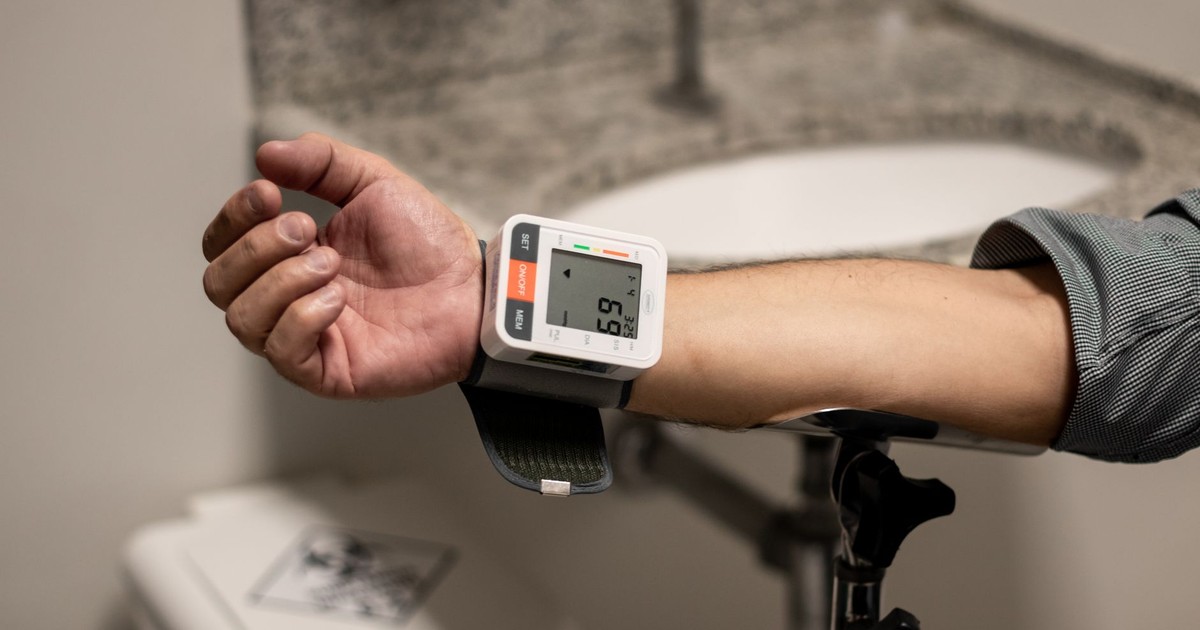
High blood pressure is called a silent condition for a reason – most people who have it feel nothing unusual. Standard advice is to check it periodically with a cuff, but cuff readings are one-time snapshots that miss how blood pressure fluctuates with activity, stress, and sleep.
The Hypertension Notifications Feature on Apple Watch can look for patterns of chronic high blood pressure and notify you of possible hypertension, analyzing your data every 30 days. The watch doesn’t measure arterial pressure directly. Instead, it analyzes heart rate and sensor data over an extended period to detect patterns consistent with chronically elevated pressure. The Hypertension Notifications Feature is not available with Apple Watch SE.
If the watch flags a potential hypertension pattern, the appropriate next step is a clinical blood pressure measurement with a validated cuff and a conversation with your doctor – not a medication decision based on the watch alone. The feature is available on Series 7 and later running recent watchOS versions, and it’s enabled through the Health app’s Heart section.
7. Tracking Reproductive Health via Wrist Temperature
Basal body temperature – the body’s resting temperature – shifts by a fraction of a degree after ovulation each month. Traditional methods for tracking this require a thermometer under the tongue every morning before getting out of bed. The Apple Watch Series 8 and later use a wrist skin temperature sensor that takes readings throughout the night to detect the same pattern passively, while you sleep.
The Apple Watch Series 11 collects sleep data, including wrist temperature, which feeds directly into the Cycle Tracking feature in the Health app. According to Gadget Hacks’ 2026 guide to Apple Health features, Apple Watch Series 8 or later can estimate ovulation through nightly temperature changes, making it one of the few wearables to bring wrist-based temperature tracking to reproductive health.
To use this feature, open the Health app, tap Cycle Tracking, and ensure “Wrist Temperature” is enabled. The watch needs several cycles of data before its predictions become reliable. It won’t replace dedicated fertility monitors for anyone actively trying to conceive with medical support, but for general cycle awareness, it fills a gap that most wearable trackers leave open.
8. Swimming and Shallow-Water Activities (Deeper Than You Think)
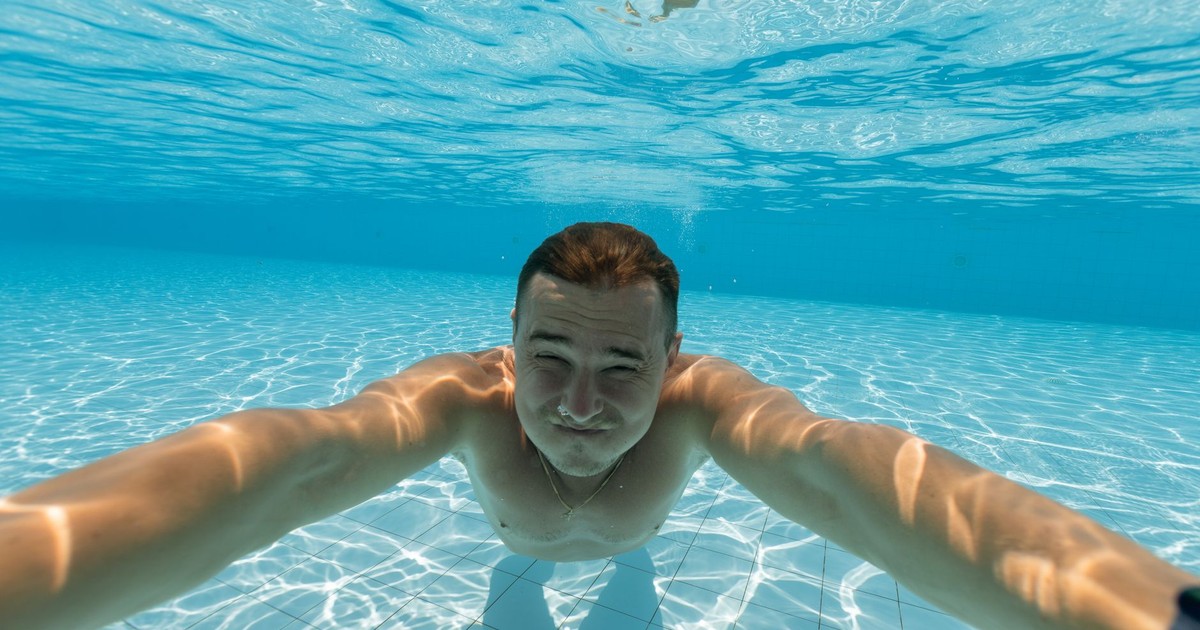
Many Apple Watch owners are cautious about wearing their watch near water, assuming it’s splash-resistant at best. That caution is significantly more conservative than the actual rating. According to Apple Support, Apple Watch Series 2 and later have a water-resistance rating of 50 meters under ISO standard 22810:2010 – that covers a lap pool, open-water swimming, snorkeling, and a shower without any concern.
For anyone who wants to take it further, the Apple Watch Ultra is rated to 100 meters and meets EN13319 compliance, which is the standard for recreational diving equipment. That covers recreational scuba diving to 40 meters. The watch tracks swimming laps, stroke type, and distance in the Workout app – just add a Swimming workout before you enter the water.
If you live somewhere dusty or work in a dirty environment, the watch itself is rated IP6X dust-resistant on Series 7 and later, so particulate intrusion isn’t a concern in most environments.
9. Apple Watch Hidden Features for Hearing Protection
Noise-induced hearing loss is permanent and cumulative. The problem is that most people don’t realize they’re in a damaging environment until it’s too late – a concert venue, a construction site, or even a loud restaurant can exceed safe exposure limits without feeling obviously dangerous.
Gadget Hacks noted in their 2026 Apple Health guide that the Apple Watch can measure ambient sound levels and notify you when you’re exposed to dangerously loud environments. The feature uses the watch’s built-in microphone to sample environmental decibels and compares them against WHO thresholds for safe listening exposure. The audio is analyzed on-device and not stored or transmitted, so privacy isn’t a concern.
To activate this, go to Settings on your Apple Watch, tap Noise, and set a notification threshold. The WHO recommends a maximum of 80 dB for prolonged exposure, and 90 dB is a reasonable trigger point for environments where damage can occur within minutes. You can also view your weekly noise exposure history in the Health app under Hearing.
Read More: How Your Smartphone Is Quietly Tracking Your Health
What to Do With All of This
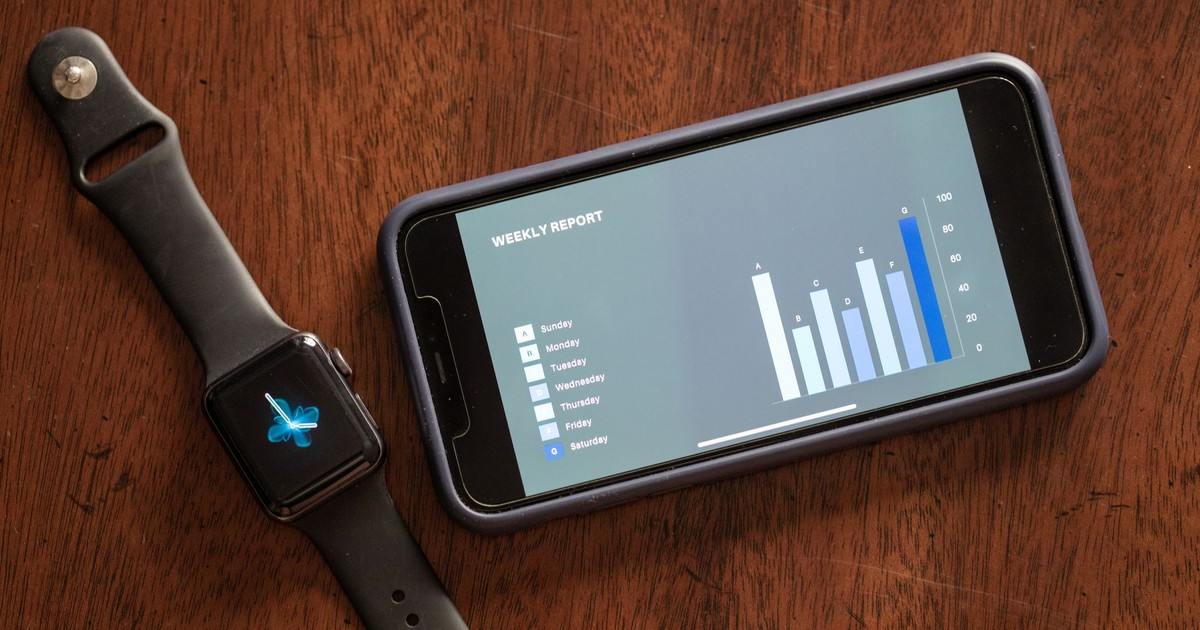
These nine features span a meaningful range of health concerns – from cardiac arrhythmia and sleep apnea to reproductive tracking and hearing protection. The ECG and sleep apnea tools carry FDA clearance with clinical validation behind them. The sleep score draws on data from millions of real nights of sleep. The noise monitoring and hypertension features sit in menus most wearers have never opened, running quietly in the background with no action required once enabled.
The most practical move is to open your Health app, tap Browse, and scroll through the categories. Many of these Apple Watch hidden features are disabled by default and take less than a minute to activate. Start with whichever category is most relevant to your current health focus – cardiac, sleep, or reproductive health – and work through the setup steps for that feature first. When the watch flags something worth discussing with a doctor, it will give you a timestamped report you can bring directly to the appointment. That’s the loop these tools are designed to close: passive monitoring, pattern detection, and a clear handoff to clinical care.
Disclaimer: The author is not a licensed medical professional. The information provided is for general informational and educational purposes only and is based on research from publicly available, reputable sources. It is not intended to constitute, and should not be relied upon as, medical advice, diagnosis, or treatment. Always consult a licensed physician or other qualified healthcare provider regarding any medical condition, symptoms, or medications. Do not disregard, avoid, or delay seeking professional medical advice or treatment because of information contained herein.
AI Disclaimer: This article was created with the assistance of AI tools and reviewed by a human editor.
Read More: Apple Retires 15 Devices in Silent Purge—Could Yours Be Next?